Llama2 部署

1. 申请Llama2权重下载许可
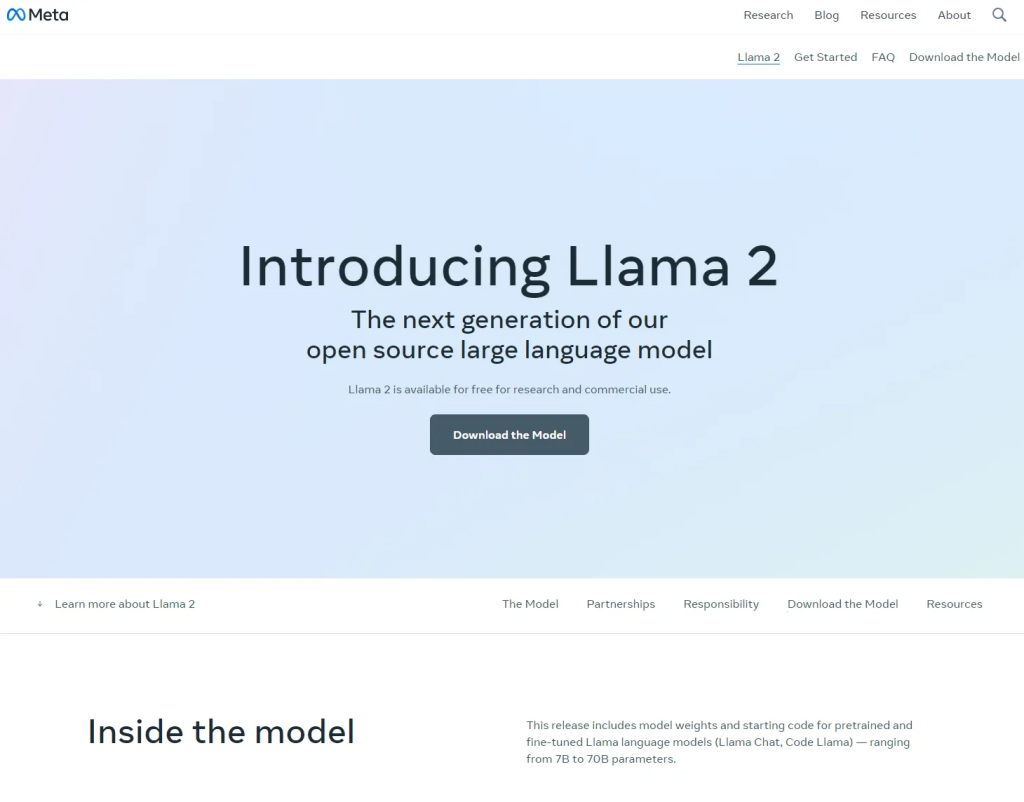
点击Download the Model,填写权重申请表格,并提交申请。
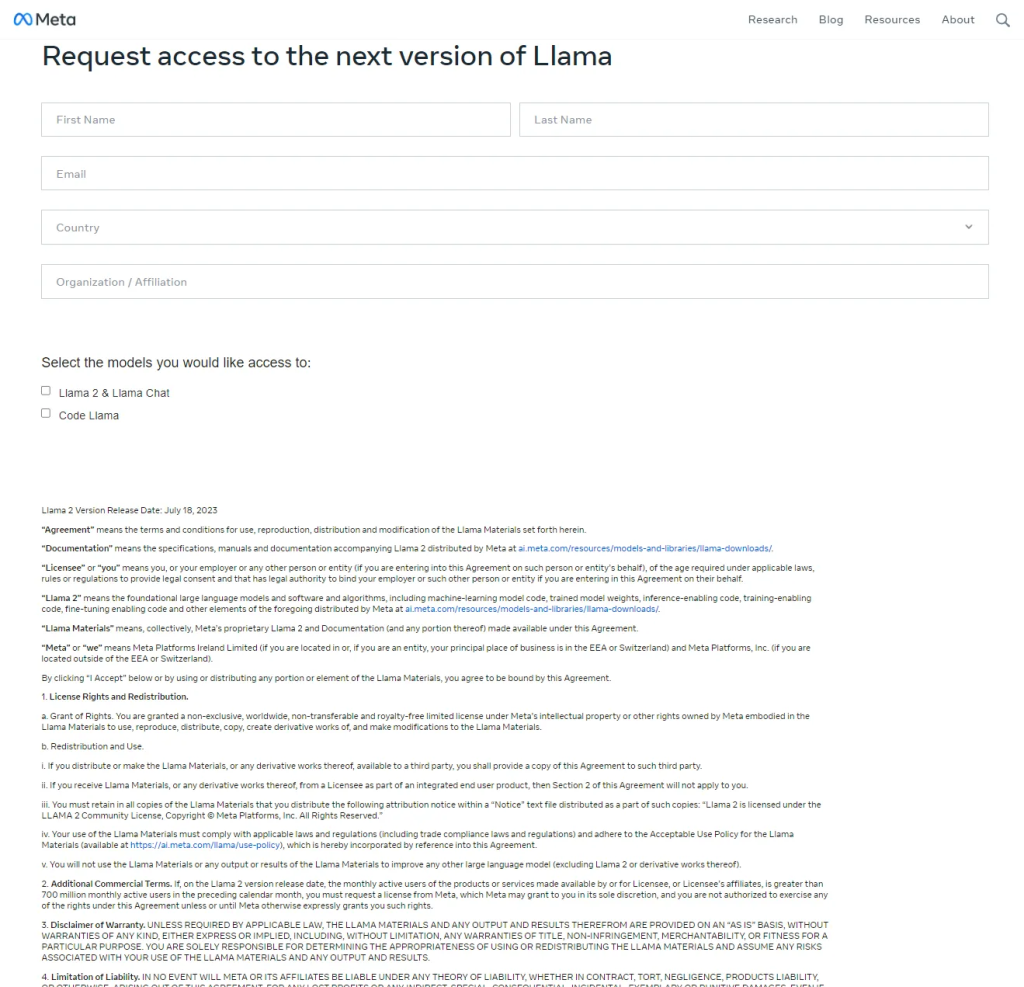
然后就会收到来自meta的邮件。

可用的模型权重:
- Llama-2-7b
- Llama-2-7b-chat
- Llama-2-13b
- Llama-2-13b-chat
- Llama-2-70b
- Llama-2-70b-chat
代码的下载链接在Github:
GitHub – facebookresearch/llama: Inference code for LLaMA models
2. 配置AI Station环境
docker hub下载预装cuda的镜像;需要注意的是,AI Station的宿主系统最高支持11.7。

推荐基于nvidia/cuda:11.1.1-base部署深度学习环境;将镜像导入AI Station,创建开发环境。
(也可以在本地安装docker定制镜像,但需要注意镜像必须预装cuda,且版本不高于11.7)。
Docker 容器内部没有安装 cuda 的权限。
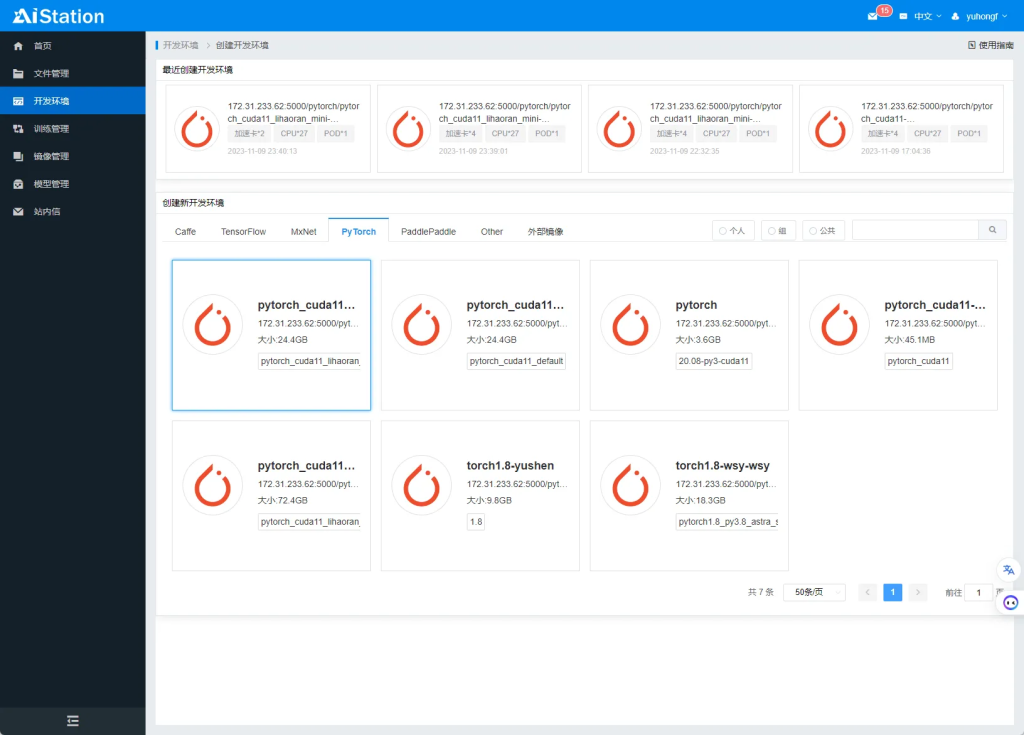
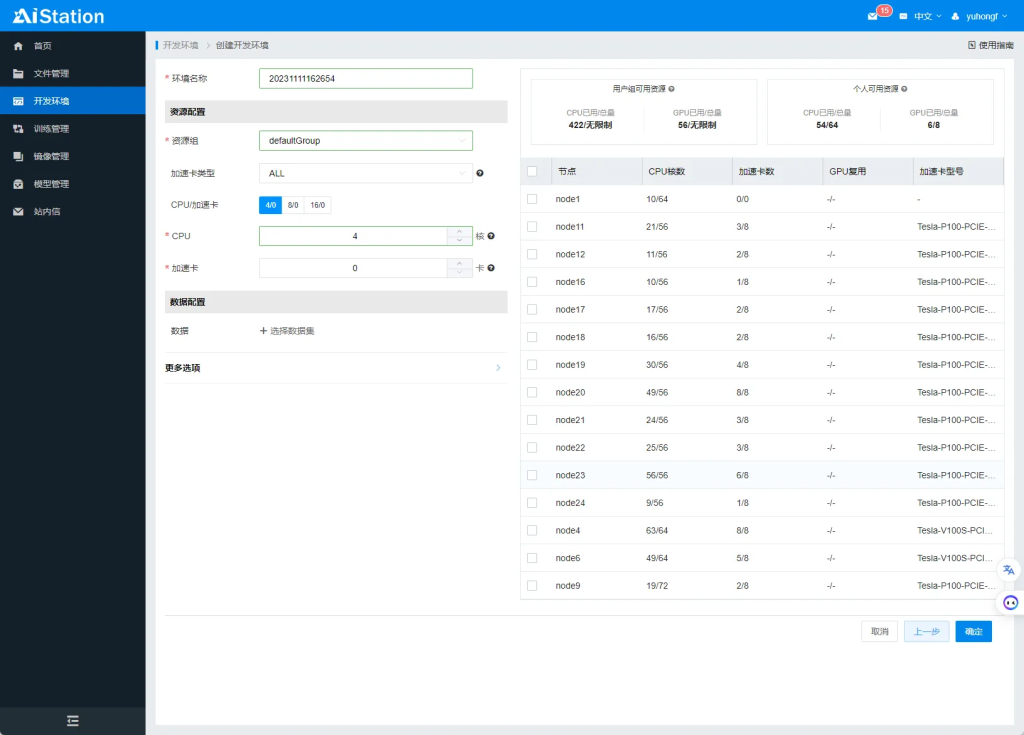
然后设置需要分配CPU和加速卡数量,选择空闲的节点,点击确定。
成功创建开发环境后,需要排队,然后拉取镜像。
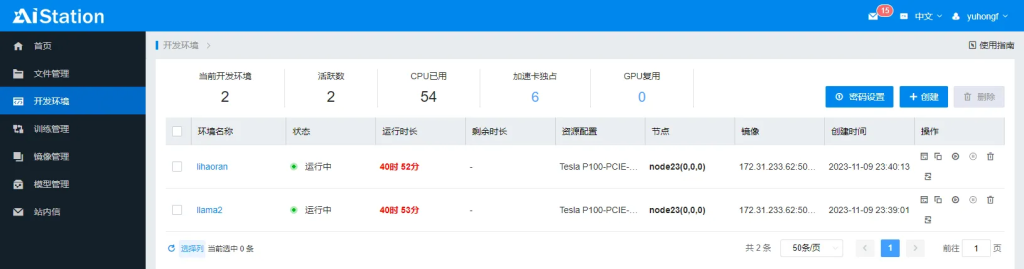
点击开发环境,可以查看到开发环境的基本信息。

CPU:Intel(R) Xeon(R) CPU E5-2680 v4 @ 2.40GHz × 27
加速卡:Tesla P100-PCIE-16GB $\times$ 4
内存:256GB
3. 使用VS Code连接开发环境
在 AI Station 提供的 Shell 终端中安装并启动 SSH 服务。
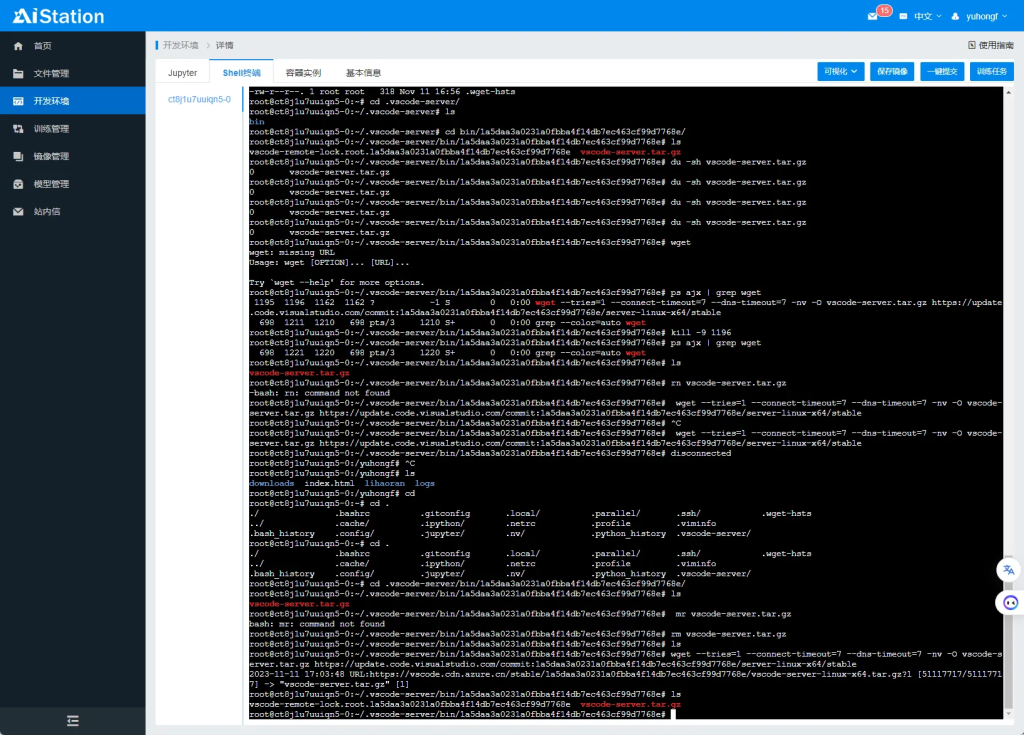
安装 SSH 拓展。

使用 VS Code 连接开发环境。
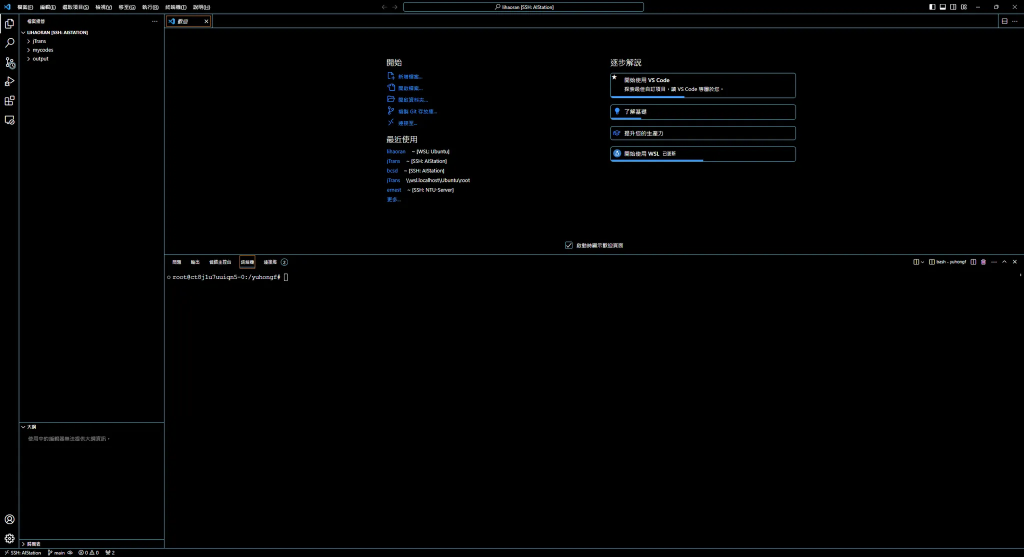
然后可以在 VS Code 打开终端工作。
4. 下载Llama2模型权重
https://github.com/facebookresearch/llama
安装 Git.
root@ct8j1u7uuiqn5-0:/yuhongf/lihaoran# apt install git
Reading package lists... Done
Building dependency tree
Reading state information... Done
git is already the newest version (1:2.25.1-1ubuntu3.11).
0 upgraded, 0 newly installed, 0 to remove and 16 not upgraded.
克隆 llama 项目。
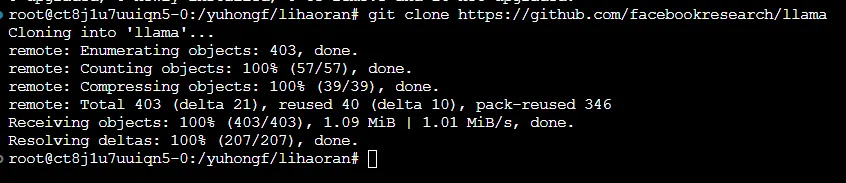
进入 llama 目录安装依赖。
root@ct8j1u7uuiqn5-0:/yuhongf/lihaoran# cd llama/
root@ct8j1u7uuiqn5-0:/yuhongf/lihaoran/llama# pip install -e .
运行 ./downloads 脚本(此处为下载稳定建议本地下载,然后再将下载后的所有内容上传)。
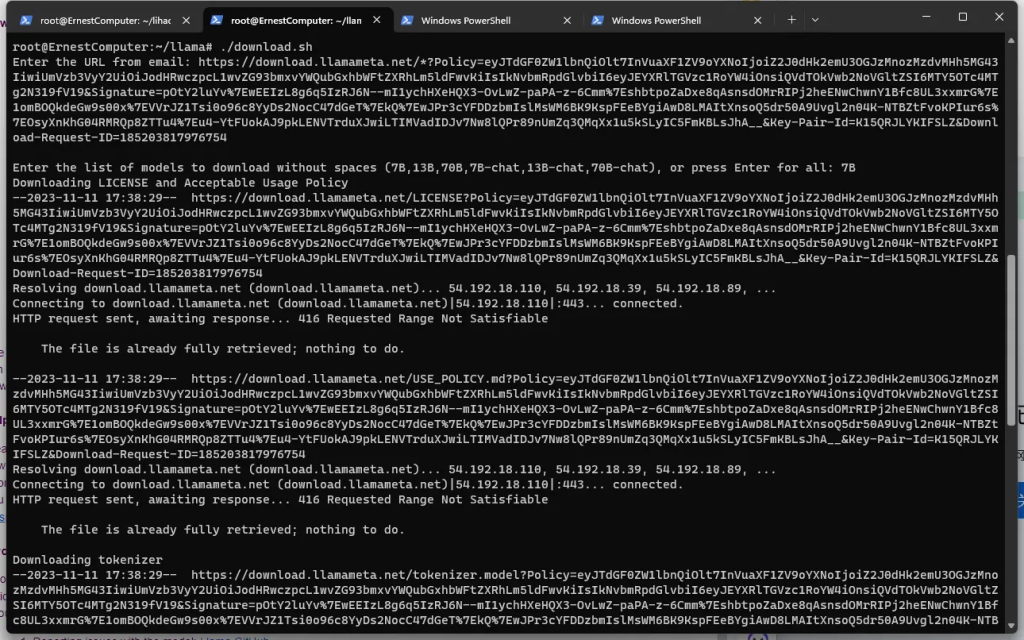
输入meta 发送到邮箱的链接,下载 7B 权重的模型。
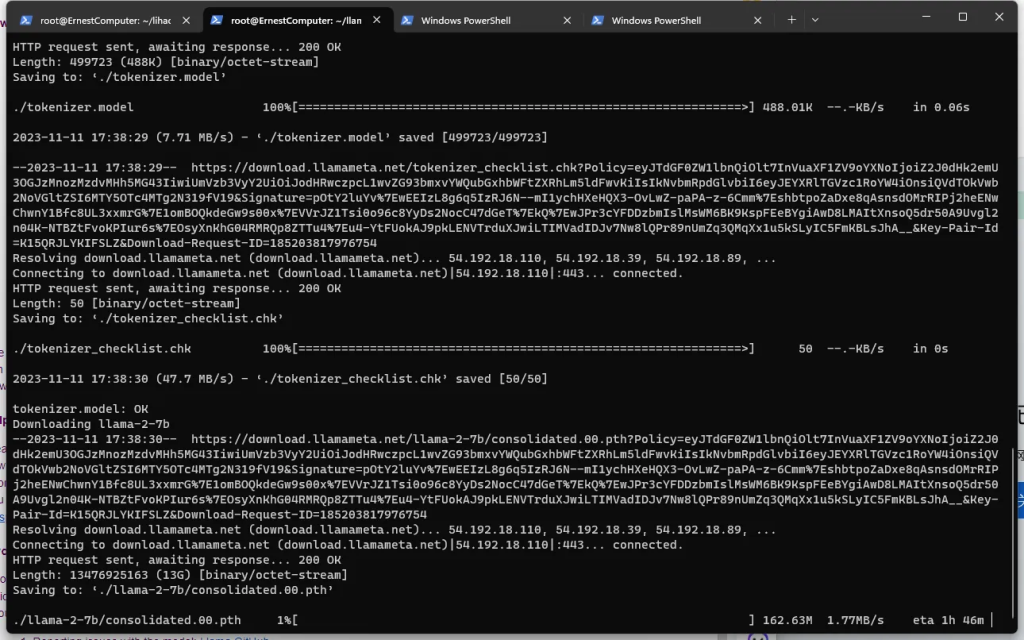
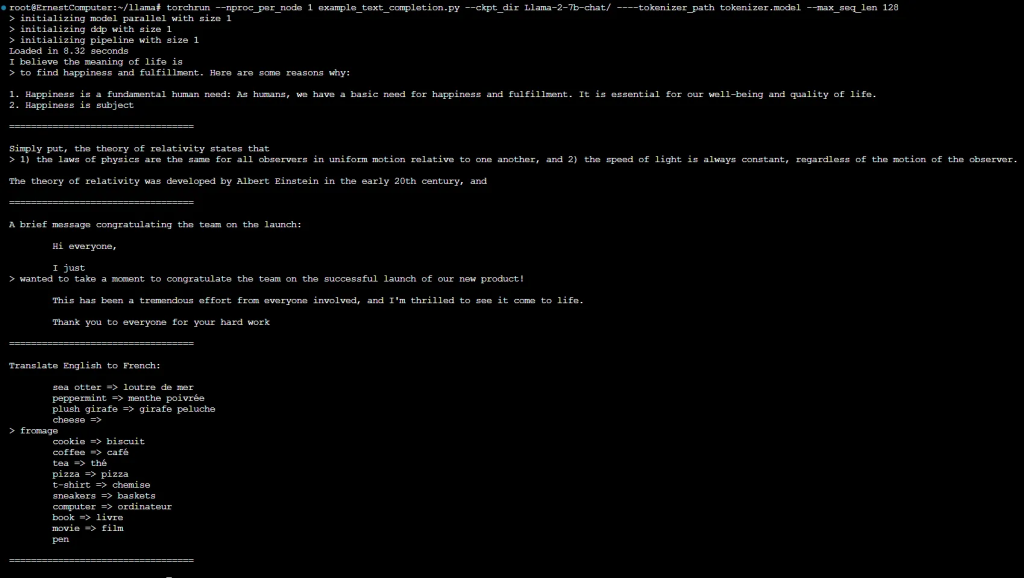
5. 运行Llama2测试用例
Pretrained Models
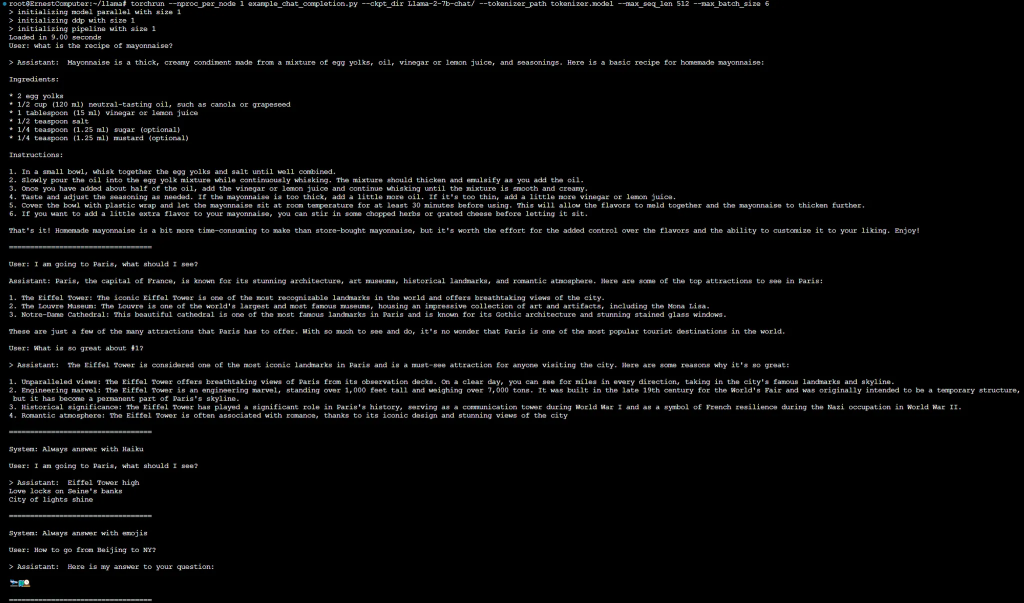
Fine-tuned Chat Models

6. 使用GGUF模型部署WebUI
https://github.com/liltom-eth/llama2-webui
git clone <https://github.com/liltom-eth/llama2-webui>
pip install llama2-wrapperpip install llama2-wrapper -i <https://pypi.tuna.tsinghua.edu.cn/simple>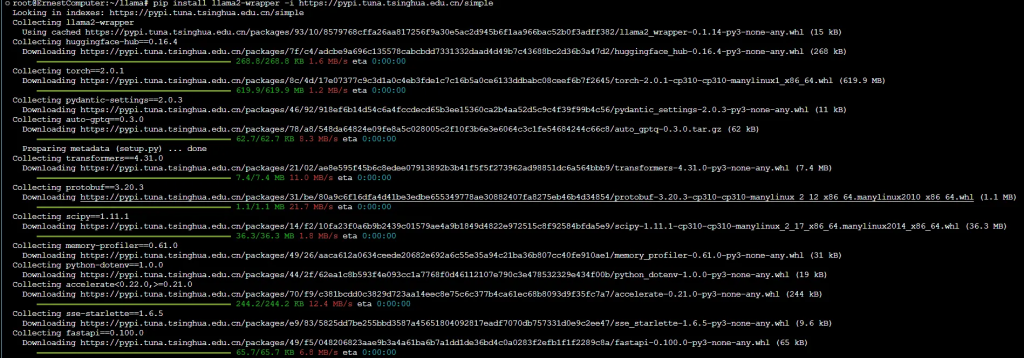
大功告成