解决 Pull Request 冲突
本文旨在找到一种简易优雅的冲突解决方法,欢迎大家探讨~
下面以system_cpu_probe冲突为例,介绍解决冲突的流程。

在此之前,建议了解一下git基本命令的原理。
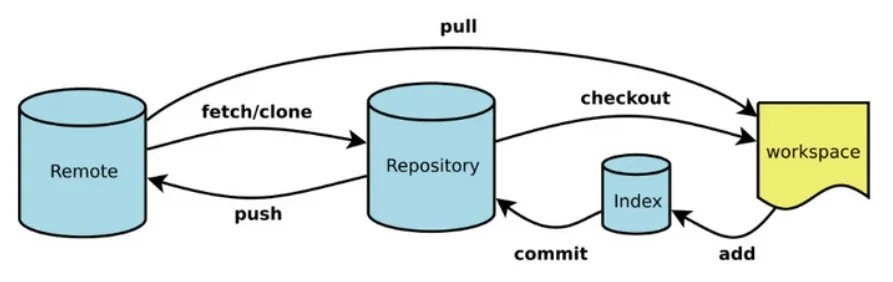
失败案例 — 使用WebIDE
作为一个懒人,我一定会采取最简单优雅的方法——WebIDE解决冲突。
Gitee在线解决代码冲突功能上线,无需手动修改轻松解决冲突
解决后,pr界面出现两次提交记录和stat/needs-squash标签,此时需要合并两次commit。
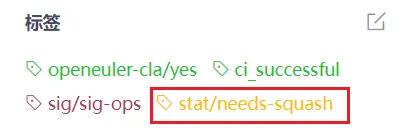
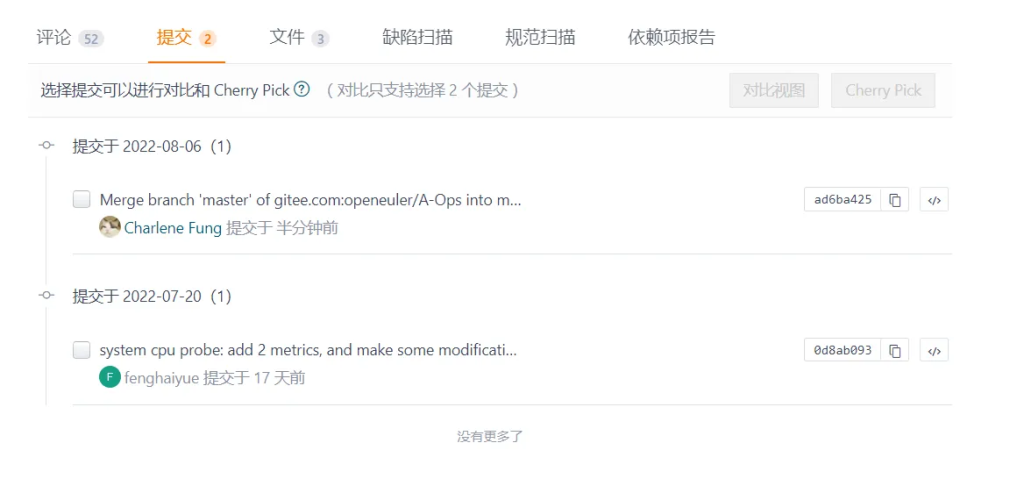
但目前还未找到可以成功合并的方法,欢迎大家后续补充(鞠躬~)。
成功案例 — 本地手动同步远程分支,解决冲突
以下步骤,均在本地master分支(即提交Pr的分支)进行。
当然,为安全起见,可以新开一个分支,在此之上进行操作。但后续需要合并(merge)到master分支,再提交,详情可参考廖雪峰的一篇blog,如上。
- 如果只有一个commit,直接跳到第二步。 否则:先尝试合并所有提交的commit为一个,如果不行,查看日志,回退到最初的版本。回退前,保存好后面提交commit的相关改动。
[root@localhost A-Ops]# git log

[root@localhost A-Ops]# git reset --hard <最初版本的commit_id>- 尝试同步远程分支
[root@localhost A-Ops]# git fetch upstream

[root@localhost A-Ops]# git rebase upstream/master
Auto-merging gala-gopher/src/probes/system_infos.probe/system_cpu.c
CONFLICT (content): Merge conflict in gala-gopher/src/probes/system_infos.probe/system_cpu.c
error: could not apply 0d8ab09... system cpu probe: add 2 metrics, and make some modifications
Resolve all conflicts manually, mark them as resolved with
"git add/rm <conflicted_files>", then run "git rebase --continue".
You can instead skip this commit: run "git rebase --skip".
To abort and get back to the state before "git rebase", run "git rebase --abort".
Could not apply 0d8ab09... system cpu probe: add 2 metrics, and make some modifications
可以看到,在与远程分支自动合并gala-gopher/src/probes/system_infos.probe/system_cpu.c时,发生冲突,需要手动解决。
在此之后,还需要执行git add/rm <conflicted_files>,git rebase —continue。
如果中途遇到任何rebase误操作,可以执行git rebase —abort终止这次rebase。
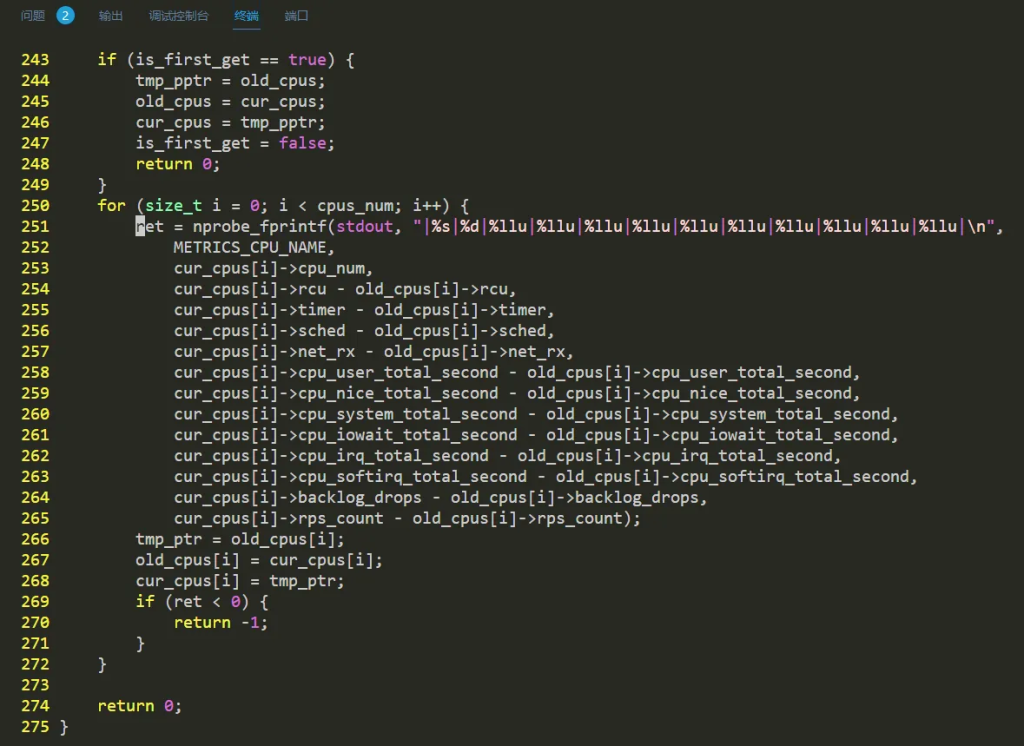
- 进入冲突的文件,手动修复冲突。
[root@localhost A-Ops]# vim gala-gopher/src/probes/system_infos.probe/system_cpu.c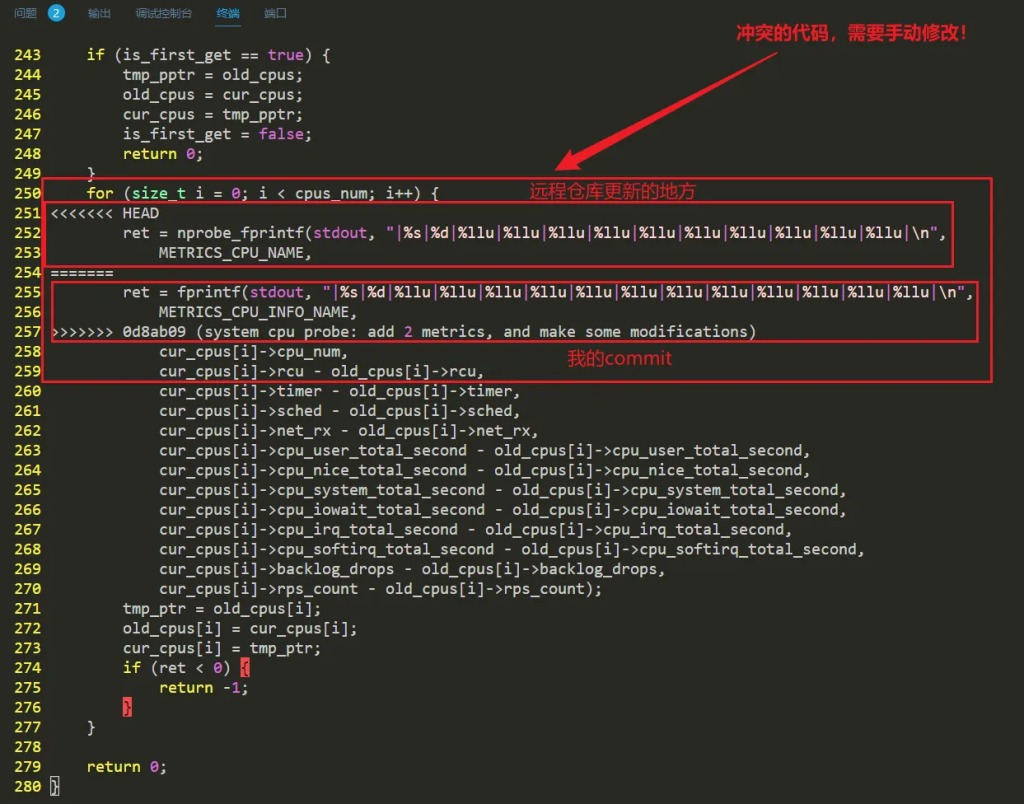
- 接受远程仓库的更新。把原commit代码和无关语句删去,保存退出。
- 对修改后的文件执行add操作。
[root@localhost A-Ops]# git add gala-gopher/src/probes/system_infos.probe/system_cpu.c- 继续rebase操作。此时会弹出一个编辑页面,保存退出即可。执行成功后如下所示。
[root@localhost A-Ops]# git rebase --continue
[detached HEAD 0eafd53] system cpu probe: add 2 metrics, and make some modifications
 Committer: fenghaiyue <root@localhost.localdomain>
Your name and email address were configured automatically based
on your username and hostname. Please check that they are accurate.
You can suppress this message by setting them explicitly:

    git config --global user.name "Your Name"
    git config --global user.email you@example.com

After doing this, you may fix the identity used for this commit with:

    git commit --amend --reset-author

 3 files changed, 82 insertions(+), 15 deletions(-)
Successfully rebased and updated refs/heads/master.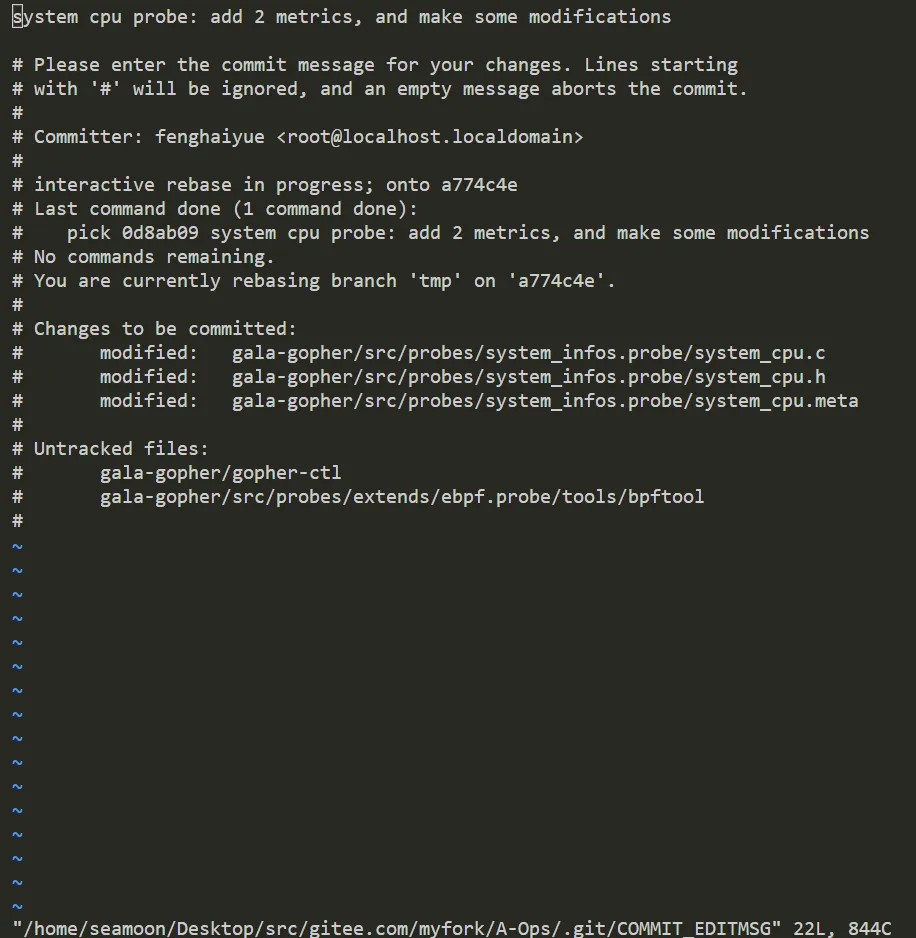
- 可以显式地设置自己的用户名和邮箱,以免出现cla-no
[root@localhost A-Ops]# git config --global user.name <gitee_id>
[root@localhost A-Ops]# git config --global user.email <your_email>- 提交自己的修改
[root@localhost A-Ops]# git commit --amend
[master 4352013] system cpu probe: add 2 metrics, and make some modifications
 Author: fenghaiyue <root@localhost.localdomain>
 Date: Wed Jul 20 12:04:22 2022 +0800
3 files changed, 82 insertions(+), 15 deletions(-)- 强制推送到远程仓库
[root@localhost A-Ops]# git push -f